Website Optimization Guide for Small Businesses: How to Improve Performance, Leads, and Search Visibility
Many business owners assume website optimization means redesigning everything from scratch. In reality, most websites can generate more inquiries and perform better in search results through targeted improvements to speed, usability, content, and conversion paths.
Before investing in a new website, optimize the one you already have. You may discover that a few strategic changes deliver better results than a complete rebuild.
This guide explains how to optimize your website for both visitors and search engines while keeping your focus on what matters most: turning website traffic into customers.
What Is Website Optimization?
Website optimization is the process of improving your site's performance, user experience, and ability to generate business results.
For a local service business, optimization typically focuses on:
- Faster page loading
- Better mobile usability
- Clearer service information
- Improved search visibility
- Stronger calls to action
- Higher conversion rates
The goal is not simply more traffic. The goal is helping the right people find your business and take the next step.
Start With Your Most Important Pages
Begin with:
- Your homepage
- Your most valuable service page
- Your contact page
Review each page from a customer's perspective.
Ask yourself:
- Can I quickly understand what this business does?
- Can I tell whether they serve my area?
- Is it obvious what I should do next?
- Can I easily contact them?
If the answers are unclear, optimization opportunities exist.
Improve Website Speed First
Visitors expect websites to load quickly. Slow pages can frustrate users before they ever learn about your services.
Common causes of slow websites include:
- Oversized images
- Unnecessary plugins
- Excessive animations
- Unoptimized code
- Too many third-party scripts
Try this:
Open your website on mobile data instead of Wi-Fi.
Check whether:
- Images load quickly
- Buttons respond immediately
- Menus work without delays
- Pages become usable right away
If a customer must wait several seconds before interacting with your site, they may leave before contacting you.
Make Mobile Users the Priority
For many local businesses, most website visitors come from mobile devices.
A website that looks acceptable on desktop can still create significant problems on phones.
Check whether:
- Text is easy to read
- Buttons are easy to tap
- Menus function properly
- Forms work with mobile keyboards
- Content fits the screen width
- Contact information is easy to find
Try this:
Complete a common task using your phone:
- Find a service.
- Check your service area.
- Submit an inquiry.
Write down every obstacle you encounter.
Optimize Your Homepage Message
Many websites waste their most valuable space with generic statements.
Headlines like:
- "Quality You Can Trust"
- "Excellence in Service"
- "Your Trusted Partner"
tell visitors almost nothing.
A stronger headline explains:
- What you do
- Who you help
- Where you operate
For example:
Residential Roofing Services in Calgary
is clearer than:
Building Trust Through Quality
Try this:
Ask someone unfamiliar with your business to read your homepage for five seconds.
Then ask:
"What does this company do?"
If they struggle to answer, improve the headline.
Create Better Service Pages
Every service page should answer practical customer questions.
Include:
- What the service involves
- Who it is for
- Common problems it solves
- Typical project considerations
- Next steps
For example, a landscaping company might explain:
- Lawn maintenance
- Seasonal cleanups
- Irrigation services
- Property size considerations
The more useful information you provide, the easier it becomes for visitors to decide whether you're the right fit.
Try this:
Write down the five questions customers ask most often.
Make sure every important question has an answer somewhere on the page.
Strengthen Your Calls to Action
Every page should guide visitors toward a logical next step.
Examples include:
- Request an estimate
- Schedule a consultation
- Call now
- View project examples
- Contact our team
Avoid overwhelming visitors with numerous competing buttons.
Choose one primary action and make it obvious.
Try this:
Look at every service page. Can you clearly identify the main action you want visitors to take? If not, simplify the page structure.

Improve Local SEO Signals
Local search visibility often depends on clear, accurate information. Your website should consistently display:
- Business name
- Phone number
- Service area
- Services offered
- Contact information
Service pages should naturally mention locations you genuinely serve.
For example:
- Edmonton
- St. Albert
- Sherwood Park
Provide useful local information rather than creating dozens of nearly identical location pages.
Try this:
Open a service page directly from search results. Can visitors immediately determine whether you serve their area?
Optimize Images Without Sacrificing Quality
Large image files often slow websites significantly.
When adding images:
- Resize them appropriately
- Compress file sizes
- Use modern formats when possible
- Remove unnecessary uploads
Images should support your content, not delay access to it.
Useful examples include:
- Completed projects
- Team photos
- Before-and-after results
- Equipment in use
Use authentic visuals whenever possible.
Improve Your Contact Forms
A form should collect enough information to start a conversation without creating unnecessary friction.
Most service inquiries only require:
- Name
- Contact information
- Service needed
- Brief project description
Avoid lengthy forms that feel like paperwork.
Try this:
Complete your own contact form.
Look for:
- Confusing instructions
- Unclear required fields
- Error messages
- Missing confirmation notices
A form that appears to work but fails to deliver submissions can cost valuable leads.
Optimize Internal Linking
Many businesses overlook internal links.
Good internal links help visitors and search engines understand your website structure.
Examples:
- Homepage → Service Pages
- Service Pages → Portfolio
- Service Pages → Contact Page
- Blog Posts → Relevant Services
Every important page should be reachable within a few clicks.
Try this:
Start from your homepage and navigate to a specific service. Count how many clicks it takes. If important pages are difficult to reach, reorganize your navigation.
Build Helpful Content for Search Traffic
Content marketing can improve long-term visibility when it answers genuine customer questions.
Examples include:
- How much does roof replacement cost?
- How often should landscaping be scheduled?
- Website optimization checklist for small businesses
- Signs your website needs a redesign
Helpful content attracts people actively researching solutions. Focus on usefulness rather than keyword stuffing.

Track Leads, Not Just Visitors
Traffic numbers alone are not enough.
Measure actions that matter:
- Contact form submissions
- Phone calls
- Consultation requests
- Bookings
- Qualified leads
A website generating 20 quality leads may outperform a site receiving thousands of irrelevant visitors.
Try this:
Keep a monthly record of:
- Website visits
- Form submissions
- Calls
- Appointments
- New customers
The relationship between these numbers often reveals the biggest optimization opportunities.
Curious About Your Website's Growth Potential?
A better website can create more opportunities for inquiries, consultations, and sales. Our interactive quote builder includes a revenue estimator to help you understand what website improvements could mean for your business.
👉 **Build Your Quote & Explore Your Potential Return**
Prioritize Changes That Affect Revenue
Not every website issue deserves immediate attention.
Focus on improvements in this order:
- Broken forms and contact methods
- Unclear service descriptions
- Mobile usability problems
- Slow page performance
- Service page optimization
- Local SEO improvements
- Content expansion
Fixing one conversion problem often creates more business impact than redesigning an entire website.
Common Questions About Website Optimization
Is website optimization the same as SEO?
No.
SEO focuses on improving search visibility, while website optimization also includes speed, usability, accessibility, and conversion improvements.
How often should I optimize my website?
Review your website at least quarterly and after major updates, redesigns, or service changes.
Can a slow website affect leads?
Yes. Slow loading pages can create frustration and increase the likelihood that visitors leave before contacting your business.
Should I redesign my website or optimize what I already have?
Many websites benefit more from targeted improvements than a complete redesign. Identify the actual problem before deciding on the scope of the project.
Improve Your Website Before Rebuilding It
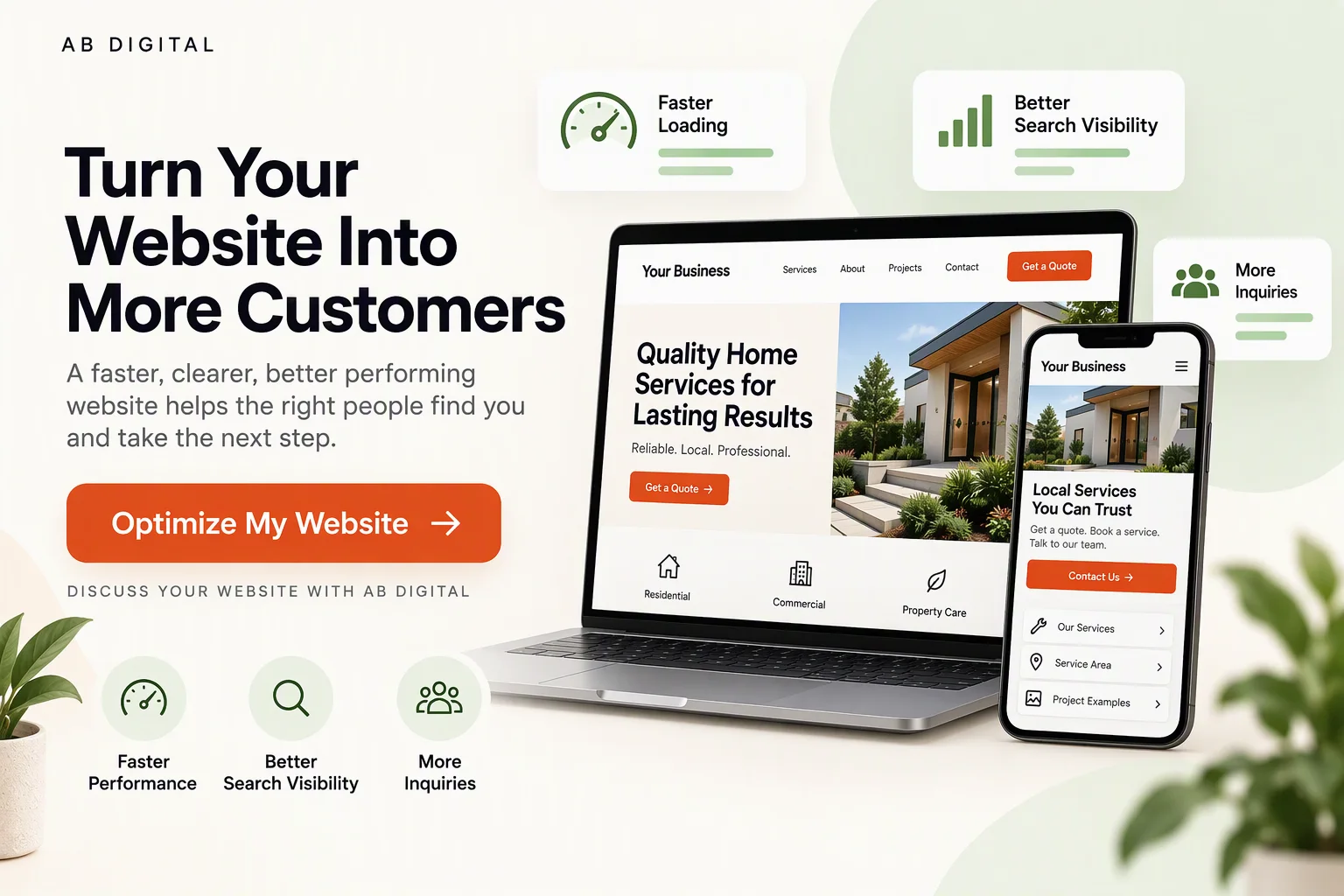
Most websites don't need a complete overhaul. They need clearer messaging, stronger calls to action, faster performance, and a smoother experience for potential customers.
Start by identifying the single biggest obstacle preventing visitors from becoming leads. Fix that first, then continue improving speed, usability, content, and search visibility over time.
If you're not sure where to begin, Contact AB Digital for a website optimization review and discover which improvements will deliver the biggest impact for your business.